

Fleet Software Management: The Complete Guide
July 27, 2026
ATEN CC2000 Lite Plus Pack Centralized Management Software
July 27, 2026
Software TM1 is a business planning and analysis tool that helps companies manage budgets, forecasts, and financial reports in one place. It was built to replace slow, error-prone spreadsheets with a fast, connected system that updates numbers instantly across departments.
Today it is known as IBM Planning Analytics, though many professionals still call it by its original name, TM1. Companies of all sizes use it to plan revenue, control costs, and make faster decisions based on live data.
This guide explains how software TM1 works, what tools it includes, and where it fits compared to other planning platforms. It is written in simple language so that even beginners can follow along without technical confusion.
Understanding Software TM1 and Its Background
Software TM1 did not appear overnight; it grew out of a need for faster financial calculations than spreadsheets could offer. Before diving into technical details, it helps to understand where it came from and why businesses trust it.
Where TM1 Came From
TM1 was first developed by a company called Applix in the 1980s as a way to speed up financial calculations. Over time, it was acquired by Cognos, which was later purchased by IBM. Each transition added new features while keeping the core calculation engine strong and reliable for large businesses.
The Main Purpose of TM1
The main goal of software TM1 is to give finance and planning teams one shared system for numbers instead of dozens of separate files. This reduces mistakes, saves time, and lets managers see updated results the moment new data is entered by any team member.
Why It Replaced Spreadsheets
Spreadsheets work fine for small tasks, but they break down when many people edit the same numbers at once. Software TM1 solves this by storing everything in one central database, so changes made by one person are instantly visible to everyone else using the system.
How Software TM1 Works Behind the Scenes
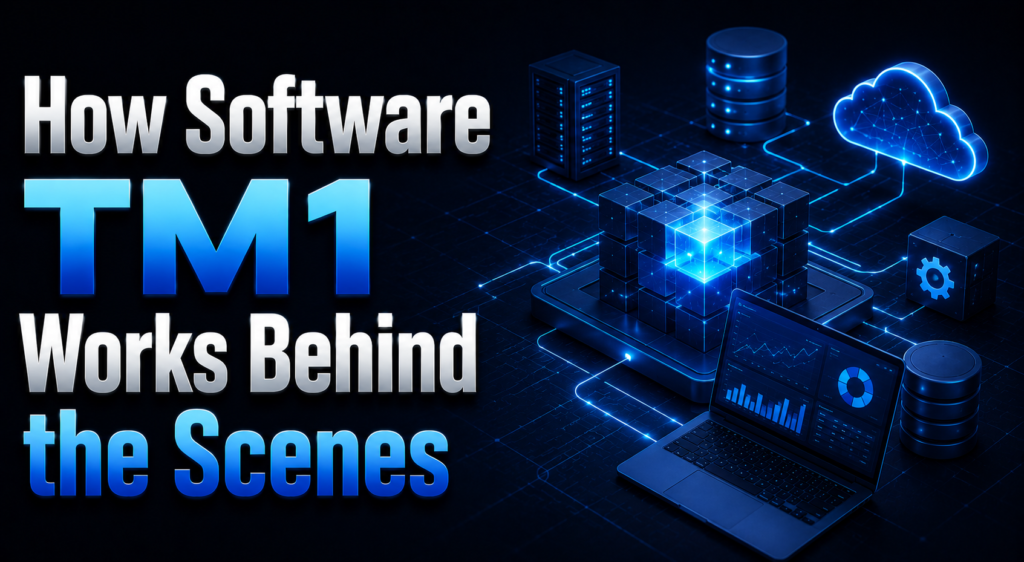
To understand why software TM1 feels so fast, it helps to look at its engine and data structure. These technical pieces work quietly in the background every time a report is opened.
The In-Memory Calculation Engine
Unlike traditional databases that read information from a hard disk each time, software TM1 keeps its data in the computer’s memory. This means calculations that would normally take minutes happen in seconds, even when thousands of numbers are being updated together.
Cubes, Dimensions, and Elements
Data in TM1 is organized into cubes, which are like multi-sided containers holding numbers from different angles such as time, region, and product. Each side of a cube is called a dimension, and the items inside a dimension, like “January” or “Sales Team,” are called elements.
Rules and Feeders for Automatic Calculations
Rules tell the system how to calculate values automatically, such as adding tax to a price or totaling monthly sales into a yearly figure. Feeders work alongside rules to make sure only the necessary calculations run, which keeps large models running smoothly without slowing down.
Key Tools Inside Software TM1
Software TM1 is not just one program; it is a set of connected tools that each handle a different part of the planning process. The table below gives a quick overview before each tool is explained.
| Tool Name | Main Function |
| TurboIntegrator | Automates data import and transformation |
| Planning Analytics Workspace | Builds dashboards and visual reports |
| TM1 Web | Provides browser-based access to models |
| Planning Analytics for Excel | Connects TM1 data directly into Excel sheets |
TurboIntegrator for Data Automation
TurboIntegrator, often shortened to TI, is used to pull data into TM1 from sources like Excel files, databases, or other business systems. It can clean, reshape, and load this data automatically, which saves teams from repeating manual entry work every month.
Planning Analytics Workspace
This is the modern, visual side of software TM1 where users build dashboards, charts, and interactive reports. It replaced older desktop tools and works through a web browser, making it easier for teams to collaborate from different locations.
TM1 Web and Excel Integration
Many finance professionals prefer working in familiar tools, so TM1 offers both a browser-based interface and a direct Excel add-in. This lets users build budgets in a spreadsheet-like format while still connecting to the same shared central database.
Real-World Applications of Software TM1
Businesses do not adopt software TM1 out of curiosity; they use it to solve specific planning problems. The sections below cover its most common real-world uses.
Budgeting and Forecasting
Finance teams use TM1 to build yearly budgets and update forecasts as new information arrives during the year. Because the system recalculates instantly, managers can test different assumptions and immediately see how they affect the company’s overall financial picture.
Financial Consolidation and Reporting
Larger companies with multiple branches or subsidiaries use TM1 to combine financial results from each location into one master report. This consolidation process, which used to take days manually, can be completed automatically within minutes.
Scenario Planning and Analysis
Software TM1 allows planners to create multiple versions of a plan, such as a best case, worst case, and expected case. Comparing these scenarios side by side helps leadership prepare for different market conditions before they actually happen.
Software TM1 Compared to Other Planning Tools
No planning software works in isolation from competition, so it is useful to see how software TM1 stacks up against other well-known platforms in the same category.
| Feature | Software TM1 | Anaplan | Oracle Hyperion |
| Calculation Speed | Very fast, in-memory | Fast, cloud-based | Moderate |
| Excel Integration | Strong, native add-in | Limited | Moderate |
| Deployment Options | Cloud and on-premise | Mostly cloud | Mostly on-premise |
| Learning Curve | Moderate | Moderate | Steep |
TM1 vs Anaplan
Anaplan is a cloud-first competitor known for its flexible modeling style, while software TM1 offers stronger integration with Excel and more deployment flexibility, including on-premise setups for companies that prefer to keep data in-house.
TM1 vs Oracle Hyperion
Oracle Hyperion is often chosen by very large enterprises with complex accounting needs, but it generally has a steeper learning curve. Software TM1 tends to be easier for new users to pick up while still handling large financial models well.
TM1 vs SAP BPC
SAP BPC integrates tightly with SAP’s own business systems, making it a natural choice for companies already using SAP software. Software TM1 remains more flexible for businesses using a mix of different systems rather than one single vendor.
Security and Best Practices in Software TM1
Keeping financial data safe and models running efficiently is just as important as building them correctly in the first place. The following points cover common practices experienced teams follow.
Managing User Access and Data Security
Software TM1 allows administrators to control exactly who can view or edit specific cubes, dimensions, or even single data points. This layered security approach protects sensitive salary or profit information from being seen by unauthorized staff members.
Keeping Models Running Efficiently
Well-designed TM1 models avoid unnecessary calculations and keep dimensions organized logically, which prevents slowdowns as data grows over time. Regular reviews of rules and feeders help catch performance issues before they affect daily users.
Learning Software TM1 and Career Opportunities
Many professionals build long careers around software TM1 because demand for skilled planners remains steady across industries. This section briefly covers what it takes to get started.
Skills Needed to Get Started
Learning software TM1 usually starts with understanding basic concepts like cubes and dimensions, followed by practicing with TurboIntegrator and rules. A background in finance or accounting helps, but is not always required to begin learning the tool.
Certification and Career Growth
IBM offers official certification paths for Planning Analytics, which can strengthen a resume for finance and IT roles alike. Professionals with TM1 skills often move into consulting, financial systems analysis, or dedicated planning administrator positions.
Frequently Asked Questions
Is software TM1 the same as IBM Planning Analytics?
Yes, IBM Planning Analytics is the current name for the platform originally known as TM1, so both terms refer to the same underlying technology.
Does software TM1 require coding skills?
Basic use does not require coding, though building rules and TurboIntegrator processes involves learning TM1’s own scripting language over time.
Can software TM1 work with Excel?
Yes, it offers a dedicated Excel add-in that lets users build and view TM1 data directly inside familiar spreadsheet formats.
Conclusion
Software TM1 remains a trusted choice for businesses that need fast, connected financial planning instead of scattered spreadsheets. Its combination of speed, Excel integration, and flexible deployment keeps it competitive against newer cloud-only tools.
Whether used for budgeting, consolidation, or scenario planning, it continues to help finance teams work with more accuracy and less manual effort.
Related Articles
Is Octopus Software Safe? A Complete Security Guide for 2026
Free Scheduling Software for Plumbers: Complete Guide to Choosing the Right Tool
Can You Play Games Through Software Preview on Elgato HD60?
BassBoss Software: Complete Guide to ControlBASS and PredictBASS
Tesla Software Update 2025.26 Grok: Everything You Need to Know


