

How To Communicate Effectively With Your Orthopedic Spine Surgeon
August 17, 2026
Custom Healthcare Software Development Services: A Complete Guide
August 18, 2026
Lumira software is a business intelligence and data visualization tool developed by SAP that allows users to connect, blend, and analyze data from multiple sources without needing deep technical or coding knowledge.
It was created to make data exploration simple for business users, analysts, and decision makers who need quick insights without waiting on IT teams. Over the years, Lumira software became known for its drag and drop interface, interactive charts, and storyboard style reporting.
Although SAP has gradually shifted its focus toward newer platforms, understanding how Lumira software works still helps professionals who support legacy systems or are planning a migration. This guide breaks down every important aspect of Lumira software in a simple and structured way so that both beginners and experienced users can follow along easily.
Understanding Business Intelligence and Where Lumira Fits
Business intelligence tools like Lumira software exist to turn raw, scattered data into visual insights that people can actually understand. Instead of reading long spreadsheets, teams can look at a chart or dashboard and instantly see patterns or problems.
Role of Data Visualization in Organizations
Data visualization tools convert numbers into shapes, colors, and charts that are easier for the human brain to process.
Companies use these tools daily to track sales, monitor performance, and spot unusual trends before they become bigger issues. Without visualization, most raw data would sit unused because reading thousands of rows manually is simply not practical for everyday decision making.
Position of Lumira Software in the SAP Ecosystem
Lumira software was positioned as a self-service analytics tool that worked alongside larger platforms such as SAP BusinessObjects and SAP HANA. It gave business users a lighter, faster way to create reports compared to traditional enterprise reporting tools that often required specialized training. This made it popular among mid-level analysts who needed quick answers.
Key Features of Lumira Software
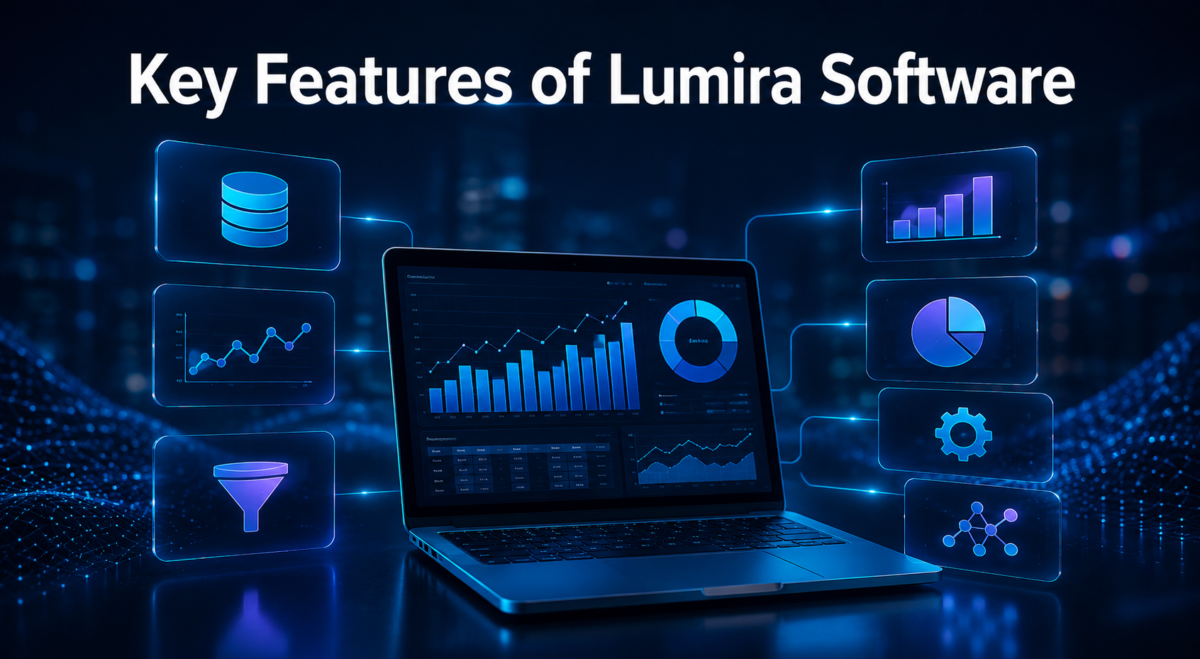
Lumira software offers a set of features built around data preparation, visualization, and storytelling. These features work together to help users move from raw data to a finished report in a short amount of time.
Data Acquisition and Blending
One of the strongest points of Lumira software is its ability to pull data from various sources such as Excel files, databases, SAP HANA, and cloud services, then combine them into a single dataset. This blending process removes the need for manual copy pasting between tools. Users can clean, merge, and reshape their data before any chart is even created.
Visualization and Storyboarding
Lumira software provides a wide range of chart types including bar graphs, line charts, pie charts, and geo maps that can be arranged into a storyboard. A storyboard lets users place multiple visuals on one page to tell a complete data story rather than showing isolated numbers. This feature is especially useful for presentations and executive reporting.
Geo-Mapping and Predictive Elements
For businesses working with location-based data, Lumira software includes geo-mapping tools that display information directly on maps, which is helpful for sales territories, logistics, or regional performance tracking. It also offers basic predictive features that allow users to forecast trends based on historical data patterns, giving a simple layer of forward-looking analysis.
Versions and Editions of Lumira Software
Lumira software was released in different editions to suit different types of users and organizational needs, ranging from individual desktop use to full server deployment.
Lumira Desktop Edition
The desktop version of Lumira software was designed for individual analysts who wanted to build reports on their own computer without connecting to a shared server. It included all the core visualization and data blending tools needed for personal or small team projects.
Lumira Server and Cloud Editions
The server edition allowed organizations to publish and share dashboards across departments, giving multiple users access to the same reports in real time. The cloud edition extended this further by removing the need for on-premise infrastructure, letting teams access Lumira software reports from anywhere with an internet connection.
Benefits of Using Lumira Software
Below is a simple table summarizing the main benefits businesses experienced when using Lumira software for their reporting needs.
| Benefit | Description |
| Ease of use | Simple drag and drop interface suitable for non-technical users |
| Faster decisions | Quick visual insights reduce time spent analyzing raw data |
| Customization | Dashboards can be tailored to specific business needs |
| SAP integration | Works smoothly with SAP HANA and BusinessObjects systems |
Ease of Use for Business Teams
Lumira software was built with simplicity in mind, meaning employees without a technical background could still create meaningful reports. This lowered the dependency on IT departments for basic reporting tasks and encouraged more people across a company to work directly with data.
Faster and Better Decision Making
Because Lumira software condenses large datasets into visuals, managers and teams could make decisions faster instead of waiting for manually prepared reports. This speed advantage became one of the main reasons companies adopted self-service BI tools during that period.
Limitations and Challenges of Lumira Software
Like any software, Lumira software also came with certain drawbacks that affected user experience, especially as data volumes grew larger over time.
Performance With Large Datasets
Users often reported that Lumira software slowed down noticeably when handling very large datasets, which limited its use for enterprise-scale reporting. This made it more suitable for mid-sized projects rather than massive data warehouses.
Learning Curve for Advanced Tools
While basic charts were easy to create, more advanced features such as complex data blending or predictive modeling required additional learning. New users sometimes needed training sessions before they could use the full potential of the platform.
Lumira Software Compared to Other BI Tools
It is useful to see how Lumira software stacks up against other popular business intelligence platforms in the market, since many organizations evaluate multiple options before choosing one.
Lumira Software vs Tableau
Tableau is generally seen as a stronger tool for handling very large datasets and offers more advanced visualization customization compared to Lumira software. However, Lumira software had the advantage of tighter integration with SAP systems, which made it more convenient for companies already using SAP products.
Lumira Software vs Power BI
Power BI, backed by Microsoft, offers deep integration with Excel and other Microsoft tools, along with a large community of users and resources. Lumira software, in comparison, appealed more to SAP-centric businesses but had a smaller user community and fewer third-party learning resources.
Lumira Software vs SAP BusinessObjects
SAP BusinessObjects is a more traditional, enterprise-grade reporting tool, while Lumira software was designed to be lighter and more accessible for everyday business users. Many organizations used both tools together, with BusinessObjects handling formal enterprise reports and Lumira software handling quick, exploratory analysis.
Transition to SAP Analytics Cloud
SAP eventually shifted its focus toward SAP Analytics Cloud as its main analytics platform, which affected the long-term direction of Lumira software.
Why SAP Made the Shift
SAP Analytics Cloud combines business intelligence, planning, and predictive analytics into a single cloud-based platform, which aligned better with the industry’s move toward cloud-first solutions. This made it a more future-proof choice compared to maintaining separate standalone tools like Lumira software.
What Existing Lumira Users Should Know
Organizations still using Lumira software are generally encouraged to plan a migration path toward SAP Analytics Cloud to continue receiving updates and long-term support. Migration typically involves recreating dashboards and reconnecting data sources within the new platform.
Current Status and Support for Lumira Software
Many businesses now ask whether Lumira software is still actively maintained or available for new purchases.
Availability and End of Life
SAP has moved its investment and development focus away from Lumira software, meaning new feature updates are limited or no longer provided. Businesses evaluating BI tools today are generally advised to consider SAP Analytics Cloud or other modern platforms instead.
Frequently Asked Questions
Is Lumira software still supported by SAP?
SAP has largely shifted focus to SAP Analytics Cloud, so Lumira software receives minimal ongoing support and updates.
Is Lumira software free to use?
Lumira software historically had both free desktop versions with limited features and paid enterprise editions with full capabilities.
Can Lumira software connect to non-SAP data sources?
Yes, Lumira software can connect to Excel files, SQL databases, and various other external data sources besides SAP systems.
What is the best alternative to Lumira software today?
SAP Analytics Cloud is the most commonly recommended alternative since it combines reporting, planning, and predictive analytics in one platform.
Conclusion
Lumira software played an important role in making self-service data visualization accessible to everyday business users within the SAP ecosystem.
While it offered strong data blending, storyboarding, and geo-mapping features, its performance limits with large datasets and SAP’s shift toward SAP Analytics Cloud have reduced its relevance today. For businesses still relying on Lumira software, planning a gradual migration to newer platforms is a practical step toward staying current with modern analytics needs.
Related Articles
Interactive Advisory Software: The Complete Guide
Compare Accounting Software: A Complete Guide to Choosing the Right Tool
WorkflowMax Software: The Complete Guide
Construction ERP Software: The Complete Guide for Modern Construction Businesses


