

Age Verification Software: Complete Guide to How It Works, Types, and Benefits
August 15, 2026
Construction ERP Software: The Complete Guide for Modern Construction Businesses
August 17, 2026
Business to business software is a category of technology built specifically for companies to sell, manage, or exchange services with other companies rather than individual customers. It powers daily operations like sales tracking, finance, communication, and supply management across organizations of every size.
Unlike consumer apps, this software supports multiple users, permission levels, and deep integrations with other business systems. It is usually sold through subscription or licensing models and requires proper onboarding for teams to use it effectively.
Because it directly affects productivity and revenue, choosing the right business to business software has become a serious decision for modern companies. This guide breaks down everything in simple language so you can understand the topic fully without technical confusion.
What Is Business to Business Software
In simple words, business to business software is any digital tool one company builds or buys to serve another company’s operational needs. It is different from apps made for regular individual users, since the focus stays on teams, workflows, and organizational goals.
Definition in Simple Words
Think of business to business software as a digital assistant that one organization uses to work with, sell to, or manage another organization. It is not designed for a single person browsing casually; instead, it supports departments like sales, finance, or operations. Companies rely on this software to reduce manual work and keep information organized across teams.
B2B vs B2C Software Differences
B2B software targets companies, while B2C software targets everyday consumers, and this single difference changes almost everything about the product.
Business tools often have longer setup times, higher prices, and more customization options compared to consumer apps that focus on speed and simplicity. Decision-making for B2B purchases also involves multiple people, unlike B2C where one person decides instantly.
Core Features of Business to Business Software
Every reliable business to business software shares a few common features that separate it from casual applications. These features are built around teamwork, safety, and long-term usability rather than one-time entertainment or personal convenience.
Multi User Access and Roles
Most business software allows several employees to log in at once, each with different permissions based on their job role.
A manager may see full reports, while a new employee only accesses limited sections relevant to their tasks. This structure keeps sensitive company data protected while still allowing smooth teamwork.
Integration and Scalability
Good business to business software connects easily with other tools a company already uses, such as email systems or accounting platforms.
As a business grows, the software should scale without losing performance or requiring a complete system change. This flexibility saves companies from repeated software migrations.
Security and Compliance
Since business software often stores financial and customer data, strong security measures are non-negotiable for any serious provider.
Encryption, regular backups, and compliance with industry regulations protect companies from data leaks and legal trouble. This is one reason enterprise buyers spend extra time reviewing security policies before purchase.
Types of Business to Business Software
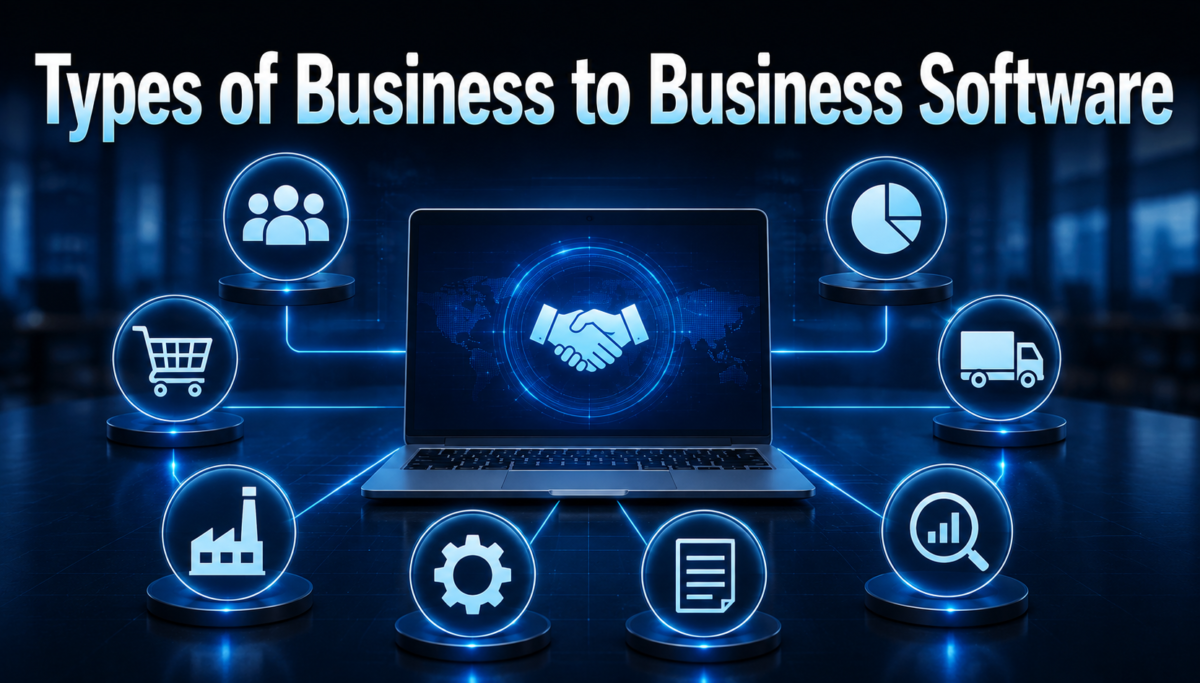
Business to business software is not a single product; it covers many categories, each solving a different operational problem. Understanding these types helps a company pick tools that match its actual needs instead of buying something generic.
| Software Type | Main Purpose | Example Tools |
| CRM | Managing customer relationships | Salesforce, HubSpot |
| ERP | Planning company resources | SAP, Oracle NetSuite |
| Collaboration | Team communication | Slack, Microsoft Teams |
| Accounting | Managing finances | QuickBooks, Xero |
| HR and Payroll | Managing employees | Workday, Gusto |
| Marketing Automation | Running campaigns | Marketo, Mailchimp |
CRM and ERP Systems
Customer Relationship Management software helps sales teams track leads, deals, and client communication in one organized place.
Enterprise Resource Planning software, on the other hand, connects departments like inventory, finance, and production into a single system. Both categories are considered the backbone of modern business to business software adoption.
Collaboration and Finance Tools
Collaboration platforms allow teams to chat, share files, and manage projects without relying on scattered emails. Finance-focused business software handles invoicing, expense tracking, and payroll with far greater accuracy than manual spreadsheets. Together, these tools reduce daily friction inside growing companies.
Pricing Models
Business to business software companies rarely follow one fixed pricing style, since customer sizes and needs vary widely. Understanding these models helps buyers avoid unexpected costs after signing a contract.
Subscription and Licensing
Most modern business software follows a subscription model, where companies pay monthly or yearly fees to keep using the service. Older systems sometimes still use one-time licensing fees, which cost more upfront but avoid recurring charges. Subscription pricing has become more popular because it lowers the initial financial burden on smaller businesses.
Per Seat and Usage Based Pricing
Per seat pricing charges a company based on the number of employees using the software, which works well for predictable team sizes. Usage-based pricing instead charges according to actual activity, such as the number of transactions processed. Companies often choose between these based on how consistently their teams use the tool.
Buying Process
Purchasing business to business software involves more steps than buying a personal app, since multiple stakeholders are usually involved. This structured process helps companies avoid costly mistakes.
Research and Demo Stage
Before buying, companies research available options, compare features, and request live demos from shortlisted vendors. This stage allows decision-makers to see how the software performs in real scenarios rather than trusting marketing claims alone. Free trials are also common during this phase to test compatibility with existing workflows.
Implementation and Onboarding
After purchase, the software must be properly set up and connected with existing company systems, which can take days or weeks. Employee training during onboarding plays a major role in how quickly the team adapts to the new tool. Poor onboarding is one of the most common reasons businesses fail to get full value from their software investment.
Benefits and Challenges
Like any major business decision, adopting business to business software brings clear advantages along with some practical challenges. Weighing both sides helps companies set realistic expectations.
Key Benefits
Business software improves efficiency, reduces manual errors, and gives leaders clearer visibility into daily operations. Below are some of the most noticeable advantages companies experience after adoption.
- Faster task completion across departments
- Centralized data instead of scattered files
- Better collaboration between remote and in-office teams
- Improved reporting for smarter business decisions
Common Challenges
Despite its advantages, business to business software can be expensive to implement, especially for smaller companies with tight budgets. Employees sometimes resist new systems simply because change feels uncomfortable at first. Vendor lock-in is another concern, where switching providers later becomes difficult due to data migration issues.
Popular Competitors in the Market
The business to business software market includes several well-known providers, each specializing in different operational areas. Comparing their strengths helps buyers understand where each company performs best.
Leading Names in Market
Salesforce and HubSpot dominate the CRM space, while SAP and Oracle remain strong choices for large-scale ERP needs.
Slack and Microsoft Teams lead workplace communication, and QuickBooks continues to be a trusted name for small business accounting. These companies have built long-term trust through consistent updates and strong customer support.
What Sets Them Apart
Salesforce focuses heavily on customization and third-party integrations, making it popular with larger sales teams.
HubSpot, by comparison, appeals more to smaller businesses due to its simpler interface and lower entry cost. SAP and Oracle are generally chosen by enterprises needing deep, industry-specific control over operations.
Future Trends
The business to business software industry continues to evolve quickly as company needs and available technology change together.
AI and Automation
Artificial intelligence is increasingly built into business software to automate repetitive tasks like data entry and customer follow-ups.
This shift allows employees to focus more on strategic work instead of routine administrative duties. Automation is expected to become a standard feature rather than a premium add-on.
Cloud and No-Code Growth
Cloud-based business software continues replacing older on-premise systems because it offers easier access and lower maintenance costs.
No-code platforms are also gaining popularity, letting non-technical employees build simple workflows without needing a developer. This trend is making powerful business tools more accessible to smaller teams.
FAQs
What does business to business software mean?
It refers to software built for one company to use while dealing with another company, rather than individual consumers.
Is business to business software expensive?
Pricing varies widely depending on features, company size, and pricing model, ranging from affordable subscriptions to costly enterprise licenses.
Which industries use business to business software the most?
Industries like finance, manufacturing, retail, and technology rely heavily on business software for daily operations.
Conclusion
Business to business software plays a central role in how modern companies operate, communicate, and grow. From CRM systems to finance tools, each category solves a specific operational challenge that manual processes can no longer handle efficiently.
While costs and implementation can be challenging, the long-term benefits usually outweigh these initial hurdles. As automation and cloud technology continue advancing, business software will only become more essential for companies aiming to stay competitive.
Related Articles
Cabinet Design Software: Complete Guide for Beginners & Professionals
Real Estate Transaction Management Software: Complete Guide 2026
Cloud Based Workforce Management Software: Complete Guide 2026
Clipping Software Guide 2026: Features, Tools, Benefits & How to Use


