
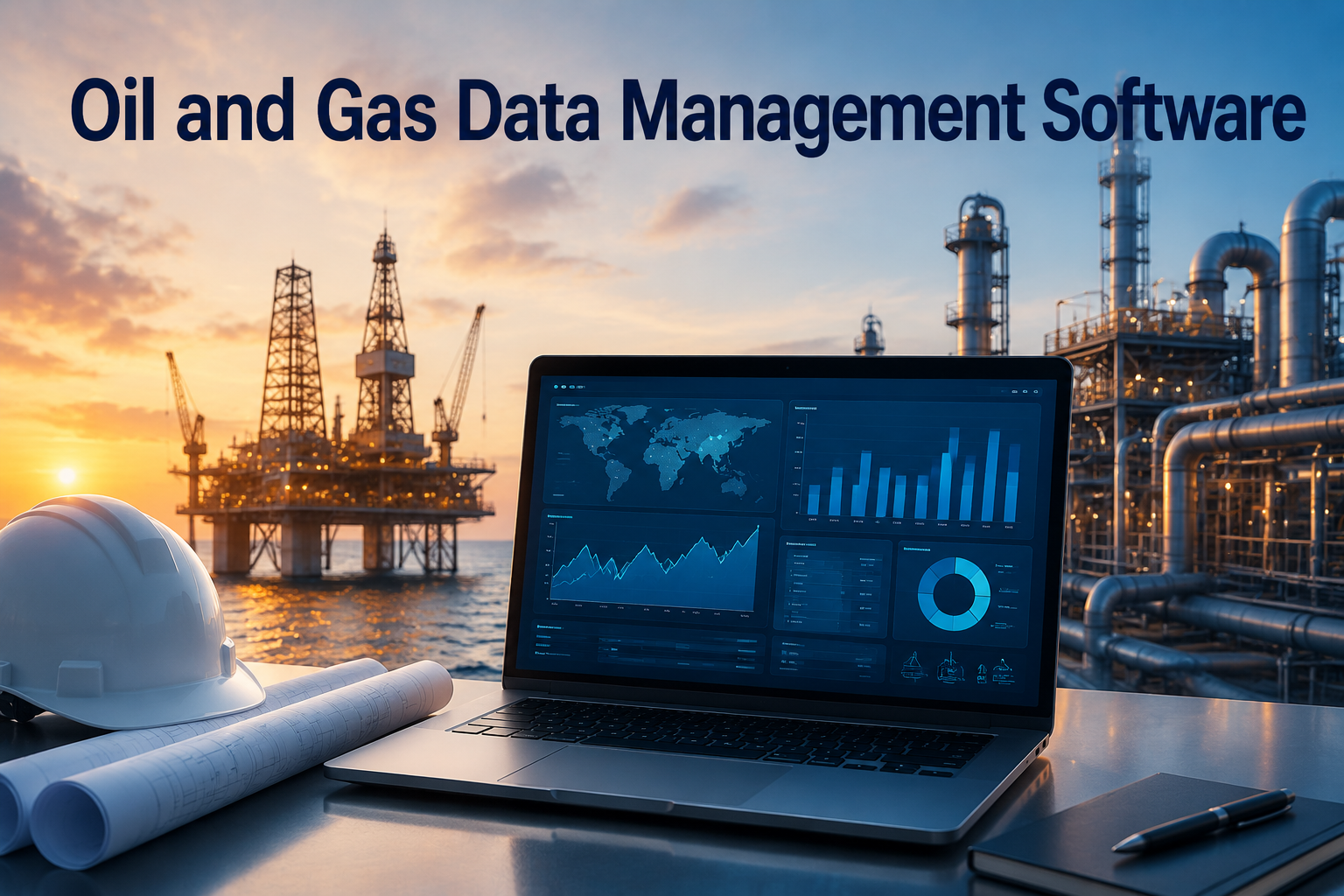
Oil and Gas Data Management Software: The Complete Guide
July 13, 2026
Knowledge Base Software: The Complete Guide
July 14, 2026
Job dispatch software is a digital solution that helps companies assign, schedule, and track field jobs in real time. It replaces manual paperwork and phone calls with automated systems that connect office staff, technicians, and customers.
Businesses in HVAC, plumbing, delivery, and repair services rely on it daily to save time and reduce errors. This guide explains everything about job dispatch software in simple words, from features to future trends, so you can understand it fully before choosing one for your business.
Introduction to Job Dispatch Software
Job dispatch software started as a simple digital replacement for paper schedules and radio calls used by dispatchers. Today it has grown into a complete system that manages entire field operations from one dashboard.
What is Job Dispatch Software?
Job dispatch software is a tool that allows businesses to assign work orders to field workers based on their location, skill, and availability. It removes the guesswork from scheduling and ensures the right person reaches the right job. Office staff can see everything happening in the field without making constant phone calls.
Brief History & Evolution
Before digital tools, dispatchers used paper logs, whiteboards, and two-way radios to manage field teams. This process was slow and prone to mistakes. Over time, businesses moved to computer-based systems, and now cloud-based job dispatch software allows real-time updates from anywhere using a phone or laptop.
Why Businesses Need It Today
Modern customers expect fast service and clear communication about arrival times. Job dispatch software helps businesses meet these expectations by organizing jobs efficiently and reducing delays. It also helps managers track performance and costs, which is difficult to do manually as a business grows.
Understanding the Basics
Before exploring features, it helps to understand how job dispatch software actually works in daily operations. This section covers the basic workflow, common terms, and typical users of the system.
How Job Dispatch Software Works
A typical workflow starts when a customer books a service request through a call, website, or app. The system then matches the job with an available technician based on location and skill set. The technician receives job details on a mobile app and updates the status as work progresses.
Key Terminology
Understanding common terms makes it easier to compare different software options. Dispatch refers to assigning jobs to workers, while routing means planning the most efficient travel path. Scheduling involves organizing jobs by date and time, and field service refers to any work performed outside the main office.
Who Uses This Software?
Job dispatch software is used by service-based businesses that send workers to different locations daily. This includes home repair companies, delivery services, cleaning businesses, and equipment maintenance providers. Any business managing multiple field workers can benefit from this type of system.
Core Features of Job Dispatch Software
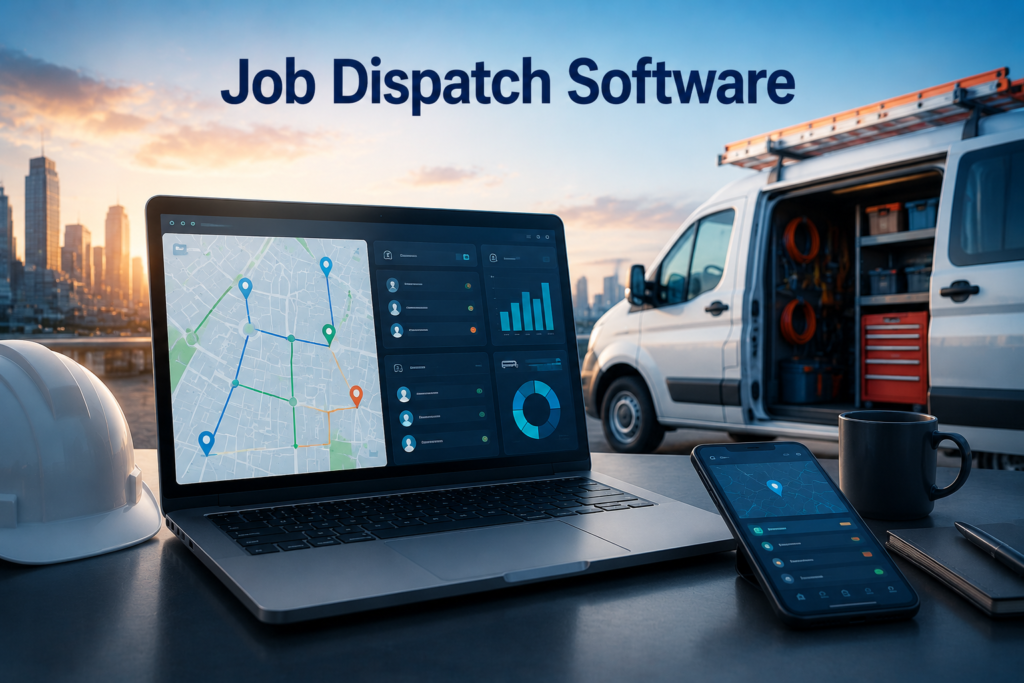
Every job dispatch software comes with a set of core features designed to simplify field operations. These features work together to create a smooth process from job creation to completion.
Job Scheduling & Assignment
This feature allows managers to create jobs and assign them to available workers instantly. The system checks worker availability and skill match before confirming an assignment. It reduces double bookings and ensures jobs are distributed fairly among the team.
Real-Time GPS Tracking
GPS tracking shows the exact location of each field worker on a live map. Managers can see who is closest to a new job request and assign it accordingly. This also helps confirm that workers reach job sites on time.
Route Optimization
Route optimization calculates the shortest and fastest path between multiple job locations. This reduces fuel costs and travel time for field workers. It becomes especially useful when one worker has several jobs scheduled in a single day.
Technician & Driver Management
This feature keeps records of each worker’s skills, certifications, and job history in one place. Managers can quickly check who is qualified for a specific type of job. It also helps track performance and identify training needs.
Customer Notifications & Communication
Automated notifications inform customers about appointment confirmations, technician arrival times, and job status updates. This reduces the number of calls customers make asking for updates. Clear communication also improves the overall customer experience.
Invoicing & Payment Processing
Many job dispatch software solutions include built-in invoicing tools that generate bills after job completion. Customers can pay directly through the app or a linked payment gateway. This speeds up payment collection and reduces manual accounting work.
Reporting & Analytics
Reporting tools show data on completed jobs, worker performance, and revenue trends. Managers can use these reports to identify bottlenecks and improve future scheduling. Analytics also help in making informed business decisions.
Mobile App Access for Field Workers
A mobile app allows field workers to view job details, customer information, and directions from their phone. Workers can update job status and upload photos directly from the field. This keeps the entire team connected without needing a physical office visit.
Benefits of Using Job Dispatch Software
Adopting job dispatch software brings measurable improvements across daily operations. The following benefits explain why so many service businesses are shifting to digital dispatch systems.
Improved Efficiency & Productivity
Automated scheduling reduces the time managers spend manually assigning jobs. Workers spend less time waiting for instructions and more time completing actual tasks. This directly increases the number of jobs completed each day.
Reduced Operational Costs
Optimized routes and better scheduling reduce fuel consumption and overtime expenses. Fewer errors also mean less money spent correcting mistakes. Over time, these savings add up significantly for growing businesses.
Better Customer Satisfaction
Customers receive accurate arrival times and regular updates about their service request. This transparency builds trust and reduces complaints about delays. Satisfied customers are also more likely to return for future services.
Real-Time Visibility & Control
Managers gain a clear view of every job and worker location without needing to make phone calls. This visibility helps in making quick decisions when unexpected issues arise. It also improves accountability across the entire team.
Reduced Paperwork & Human Error
Digital systems eliminate the need for paper job sheets and manual data entry. This significantly reduces the chances of lost information or scheduling mistakes. Everything is stored safely in one digital system.
Scalability for Growing Businesses
As a business adds more workers and jobs, job dispatch software can handle the increased workload easily. There is no need to hire additional dispatchers for every few new employees. The system grows along with the business.
Industries That Benefit Most
While many businesses can use job dispatch software, certain industries rely on it more heavily due to the nature of their work. Below is a table showing common industries and how they use this software.
| Industry | Common Use of Job Dispatch Software |
| HVAC & Plumbing Services | Assigning repair jobs based on technician location |
| Electrical Contractors | Scheduling installation and maintenance visits |
| Delivery & Logistics | Optimizing delivery routes and tracking drivers |
| Cleaning Services | Managing recurring cleaning schedules |
| Pest Control | Tracking service history and follow-up visits |
| Field Repair & Maintenance | Coordinating multiple technicians across sites |
Key Factors to Consider Before Choosing Software
Selecting the right job dispatch software requires careful evaluation of business needs and budget. This section outlines the main factors to review before making a decision.
Business Size & Needs
Small businesses may only need basic scheduling features, while larger companies require advanced tools like route optimization and analytics. Understanding your team size and job volume helps narrow down suitable options. Choosing software that matches your actual needs prevents overspending on unused features.
Budget & Pricing Models
Pricing usually depends on the number of users, features included, and whether it is a monthly or annual plan. Some providers charge per technician, while others offer flat-rate packages. Comparing pricing structures helps avoid unexpected costs later.
Ease of Use & Learning Curve
Software that is difficult to use can slow down adoption among field workers and office staff. A simple, intuitive interface reduces training time and improves daily efficiency. Requesting a demo before purchase helps assess usability.
Integration with Existing Tools
Most businesses already use accounting or customer management tools that should connect smoothly with new dispatch software. Poor integration can lead to duplicate data entry and errors. Checking compatibility with existing systems saves time during setup.
Customer Support & Training
Reliable customer support is important during the initial setup phase and for resolving technical issues later. Some providers offer free training sessions for new users. Good support reduces downtime and frustration.
Mobile Compatibility
Since field workers rely heavily on mobile devices, the software must have a stable and user-friendly mobile app. Poor mobile performance can disrupt daily operations significantly. Testing the app before full implementation is recommended.
Popular Job Dispatch Software Options
Several established platforms dominate the job dispatch software market, each offering slightly different features and pricing. Reviewing these options helps in comparing what best fits your business needs.
| Software | Best For | Key Highlight |
| ServiceTitan | Large home service companies | Advanced reporting and CRM tools |
| Jobber | Small to medium businesses | Simple interface and quick setup |
| Housecall Pro | Growing service teams | Strong customer communication tools |
| FieldEdge | HVAC and plumbing businesses | Deep QuickBooks integration |
| Dispatch | On-demand service providers | Real-time technician tracking |
Step-by-Step Guide to Implementing Dispatch Software
Implementing new software requires a structured approach to avoid disruption in daily operations. Following clear steps ensures a smoother transition for the entire team.
Assessing Business Requirements
Start by listing current scheduling problems and features your business actually needs. This helps in choosing software that solves real issues instead of adding unnecessary complexity. Involving team members in this assessment also improves adoption later.
Choosing the Right Software
Compare shortlisted options based on features, pricing, and customer reviews. Requesting free trials allows testing before making a final commitment. Choose a solution that balances cost with long-term business needs.
Setting Up the System
Setup usually involves adding worker profiles, job types, and service areas into the software. Most providers offer guided onboarding to simplify this process. Taking time during setup prevents issues after going live.
Training Staff & Technicians
Proper training ensures both office staff and field workers understand how to use the new system. Short training sessions with practical examples work better than long theoretical sessions. Ongoing support during the first few weeks helps address confusion.
Monitoring Performance & Making Adjustments
After implementation, regularly review reports to identify areas needing improvement. Adjust scheduling rules or workflows based on real usage data. Continuous monitoring ensures the software delivers maximum value over time.
Common Challenges & How to Overcome Them
Like any new system, job dispatch software implementation comes with certain challenges. Understanding these challenges in advance helps businesses prepare better solutions.
Resistance to Change from Employees
Some employees may resist switching from familiar manual processes to a new digital system. Clear communication about the benefits and hands-on training can reduce this resistance. Involving employees early in the decision process also helps.
Initial Setup Costs
Upfront costs for software subscriptions and training can seem high for small businesses. However, these costs are usually offset by long-term savings in time and fuel. Choosing scalable pricing plans helps manage initial expenses.
Data Migration Issues
Moving existing customer and job data into new software can be time-consuming and prone to errors. Working closely with the software provider’s support team reduces migration mistakes. Testing data accuracy after migration is essential.
Technical Glitches & Downtime
Like any digital tool, dispatch software may experience occasional technical issues or downtime. Choosing providers with strong uptime records and quick support response minimizes disruption. Having a backup manual process for emergencies is also wise.
Future Trends in Job Dispatch Software
The job dispatch software industry continues to evolve with new technology. Staying aware of these trends helps businesses prepare for future upgrades.
AI-Powered Scheduling
Artificial intelligence is increasingly used to predict the best worker for each job based on past performance and location data. This reduces manual decision-making for dispatchers. AI scheduling also adapts quickly to last-minute changes.
Predictive Maintenance Integration
Some advanced systems now integrate with equipment sensors to predict maintenance needs before failures occur. This allows service businesses to schedule preventive visits proactively. It reduces emergency repair requests significantly.
Automation & Reduced Manual Work
Automation features are expanding beyond scheduling to include automatic invoicing and customer follow-ups. This reduces administrative workload for office staff. Businesses can focus more on service quality rather than paperwork.
IoT & Smart Device Connectivity
Internet of Things devices are being connected to dispatch systems for real-time equipment monitoring. This allows technicians to receive alerts before customers even report an issue. It represents a shift toward more proactive service models.
Frequently Asked Questions
Is job dispatch software suitable for small businesses?
Yes, many providers offer affordable plans specifically designed for small teams with basic scheduling needs.
Does this software work without internet access?
Most systems require internet connectivity, though some offer limited offline functionality for field workers.
Can job dispatch software integrate with accounting tools?
Most popular options integrate with common accounting software like QuickBooks for smoother invoicing.
How long does it take to implement new dispatch software?
Implementation time varies but typically ranges from a few days to a few weeks depending on business size.
Conclusion
Job dispatch software has become an essential tool for businesses managing field workers across various industries. It simplifies scheduling, improves communication, and reduces operational costs significantly.
Choosing the right solution depends on business size, budget, and specific feature requirements. Companies that invest time in proper implementation and training see the most value from their chosen system. As technology continues advancing, job dispatch software will keep offering smarter and more automated solutions for field service management.
Related Articles
Pros and Cons of a Parking Management Software: Complete Guide 2026
Workforce Housing Management Software Features: Complete 2026 Guide
Financial Recovery Technologies Software Engineer:
Irrigation Design Software: Complete Guide for Efficient Water Management
Rippling HR Software Market Share 2026 : Complete Market Analysis


