

Software Sales: The Complete Guide to Selling Software Successfully
August 12, 2026
What is Software Migration? A Complete Guide
August 12, 2026
The Uniden UBCD536-PT is a digital trunking scanner that needs dedicated computer software to unlock its full potential, and many new owners search for ubcd536 software download options without knowing where to start or which program actually suits their needs.
This guide walks through every official and third party tool available for this scanner, explains how each one works, and breaks down installation, requirements and common issues in plain language. By the end you will understand exactly which software fits your use case, whether you want free basic programming or advanced remote control features.
We will also compare pricing, features and ease of use so you do not waste time testing programs that do not match your goals. Everything here is written for regular users, not technicians, so the steps are kept simple and practical.
Understanding the UBCD536-PT Scanner
Before choosing software, it helps to know what the scanner itself offers, since this shapes which program will serve you best. This section briefly covers the device so the software choices make more sense later.
Key Features and Specifications
The UBCD536-PT supports digital trunking systems along with traditional analog scanning, giving users a wide range of monitoring options.
It includes GPS support for location based scanning, a color display and a large memory capacity for storing thousands of channels and frequencies. These features are the same as those found on the BCD536HP, which is why software compatibility carries over between the two models.
How It Relates to the BCD536HP Model
Many users get confused thinking the UBCD536-PT is a separate product line requiring unique software, but that is not accurate.
Manufacturers sometimes release identical hardware under different names for regional distribution agreements or retailer branding deals. This means any software built for the BCD536HP, including firmware update tools, will function normally on the UBCD536-PT without modification.
Regional Naming Differences Explained
The “UBCD” prefix typically appears on scanners sold through specific channels or in particular countries rather than indicating a different internal design.
This naming pattern is common in the scanner industry and has caused confusion among buyers searching for dedicated software. Knowing this saves time, since you can safely use standard BCD536HP resources for your UBCD536-PT device.
Types of Software Available for the UBCD536-PT
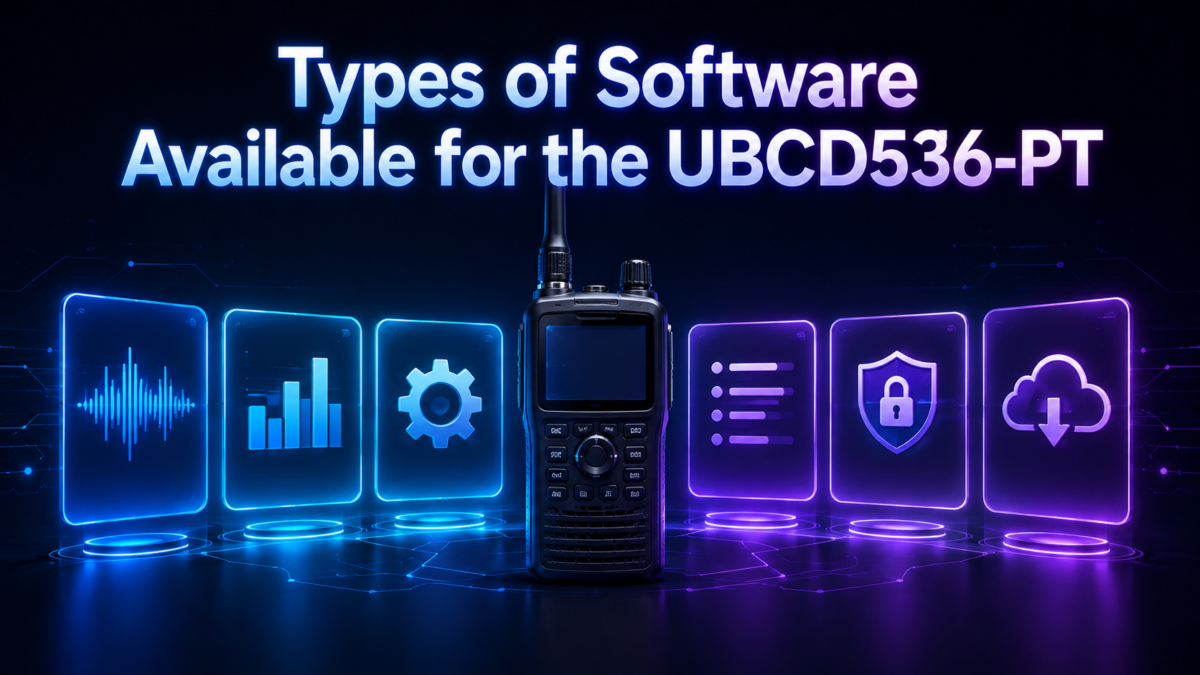
There are three main software options built for this scanner family, each serving a different purpose and price point. This section introduces all three before breaking down their individual strengths in detail.
Uniden Sentinel
Sentinel is the official software provided directly by Uniden and is available at no cost to registered owners of compatible scanners. It handles the essentials such as firmware updates, database management and basic programming tasks, making it the starting point for most users. Because it comes straight from the manufacturer, it remains the safest and most reliable choice for a first ubcd536 software download.
ARC536 Basic and Pro Versions
ARC536 is a third party program created by Butel Software, offered in two tiers called Basic and Pro to suit different budgets and needs.
The Basic version covers standard programming functions, while the Pro version adds features like editing multiple database files simultaneously and full virtual control of the scanner from your screen. Users who want more flexibility than Sentinel offers often upgrade to one of these ARC536 tiers after outgrowing the free option.
ProScan Software
ProScan is another popular third party alternative that supports a long list of Uniden scanner models including the UBCD536PT. It offers a thirty day fully functional trial before requiring a purchased activation key, letting users test its remote control and logging features before committing financially.
Many hobbyists compare ProScan directly against ARC536 since both offer similar advanced functionality at comparable price points.
System Requirements Before Downloading
Checking your computer’s compatibility beforehand prevents installation headaches later on. This short section outlines what you need before starting any ubcd536 software download process.
Supported Operating Systems
All three programs mentioned above run on Windows systems, generally requiring Windows 7 Service Pack 1 or a newer version to function properly.
Mac and Linux users typically need virtual machine software or a dedicated Windows partition, since none of these programs offer native support for those platforms. Always check the specific version number listed on the developer’s page before downloading, as requirements can change with updates.
Hardware and Driver Requirements
Your computer needs a working USB port and the correct serial or USB driver installed for the scanner to be recognized properly.
These drivers are usually bundled with the software installer or available as a separate download from the manufacturer’s support page. Without the correct driver, the software will fail to detect the scanner even if the program itself installed correctly.
Step by Step Download and Installation Guide
Once you know your system meets the requirements, the actual installation process is fairly straightforward if followed in order. This section breaks the process into manageable steps rather than listing everything as one long block of text.
Downloading From Official Sources
Always download software directly from the manufacturer’s website or the official developer page rather than third party file sharing sites, since unofficial sources often carry outdated or unsafe files.
For Sentinel, this means going through Uniden’s support pages, while ARC536 and ProScan should be downloaded from their respective developer websites. Taking this precaution protects both your computer and your scanner from corrupted firmware files.
Installing Drivers and Connecting the Scanner
After downloading the driver package, unzip the files and follow the prompts to install them through your computer’s Device Manager if they are not installed automatically.
Connect the scanner to your computer using the supplied USB cable only after the driver installation completes, since connecting too early can cause Windows to install the wrong default driver. Once connected properly, the scanner should appear without a warning symbol in Device Manager.
Running the Setup and Launching the Software
With drivers in place, run the software’s setup file and follow the on screen installation wizard, accepting the standard installation location unless you have a specific reason to change it.
After installation finishes, launch the program and it should automatically detect your connected scanner. If detection fails at this stage, double check the USB connection and confirm the scanner is powered on in the correct mode.
How to Use the Software Effectively
Downloading and installing is only half the process, since actually using the software correctly makes the real difference in scanner performance. This section covers the main functions you will use regularly.
Updating Firmware
Firmware updates fix bugs, add support for new digital modes and generally improve scanner stability over time, so checking for updates periodically is worthwhile.
Within Sentinel or similar programs, this usually involves selecting an update option, connecting the scanner in the correct mode, and allowing the transfer to complete without interruption. Never disconnect the scanner during a firmware update, as this can cause permanent damage requiring professional repair.
Programming Channels and Favorites Lists
Creating custom favorites lists lets you organize frequencies by category, such as separating local police channels from fire department or aviation frequencies.
Most software includes a database of pre loaded frequencies for major cities that you can import and customize rather than building lists entirely from scratch. This saves significant time compared to manually entering each frequency through the scanner’s physical buttons.
Backing Up and Restoring Data
Before making major changes to your scanner’s configuration, it is wise to create a backup file so you can restore previous settings if something goes wrong.
Each of the three programs offers a straightforward export or backup function accessible through their main menu. Storing these backup files in a separate folder on your computer, rather than only on the scanner itself, adds an extra layer of protection.
Comparing the Software Options
Choosing between Sentinel, ARC536 and ProScan often comes down to budget and how advanced your programming needs are. The table below summarizes the core differences to help with a quick decision.
| Feature | Sentinel | ARC536 | ProScan |
| Cost | Free | Paid, Basic and Pro tiers | Free trial, then paid |
| Firmware Updates | Yes | Limited | No |
| Virtual Remote Control | No | Yes, Pro version | Yes |
| Multi File Editing | No | Yes, Pro version | Yes |
| Best For | Beginners | Intermediate to advanced users | Users wanting remote monitoring |
Sentinel remains the essential first download since firmware updates are only reliably handled through Uniden’s own tool, regardless of which other software you eventually choose. ARC536 and ProScan then serve as add on programs for users who want deeper customization or the ability to monitor their scanner remotely from another location.
Common Problems and Practical Fixes
Even with careful installation, users occasionally run into technical hiccups that are usually simple to resolve. This section lists frequent issues alongside their solutions.
The most common problem is the software failing to detect the scanner, which almost always traces back to a missing or incorrect driver rather than a fault with the software itself.
Reinstalling the correct USB serial driver and restarting the computer typically resolves this. Another frequent issue involves firmware updates failing partway through, which can usually be fixed by ensuring the scanner is fully charged or connected to power, since a low battery can interrupt the transfer process.
Choosing the Right Software for Your Needs
Sentinel works best for casual users who mainly want firmware updates and basic channel programming without any additional cost. ARC536 suits users who scan frequently and want the convenience of editing multiple database files or controlling the scanner virtually through Pro features.
ProScan appeals most to those who prioritize remote monitoring and streaming capabilities over deep database editing tools, making the choice largely dependent on how you plan to use your scanner day to day.
Frequently Asked Questions
Is ubcd536 software download free?
Sentinel is completely free, while ARC536 and ProScan offer free trials before requiring a paid license for continued use.
Can I use ARC536 or ProScan without installing Sentinel first?
Yes, but it is still recommended to install Sentinel initially since it handles official firmware updates that third party tools do not fully support.
Does the UBCD536-PT support digital trunking immediately after purchase?
Yes, digital trunking support is built into the scanner’s hardware, though keeping firmware updated ensures the best performance with newer digital systems.
Where should I download this software safely?
Always use the official Uniden, Butel or ProScan websites rather than third party download sites to avoid corrupted or unsafe files.
Conclusion
Finding the right ubcd536 software download comes down to matching your specific needs with the right tool, whether that is Sentinel’s free basic functionality, ARC536’s advanced editing features, or ProScan’s remote control capabilities.
Starting with Sentinel for firmware updates and basic setup, then adding ARC536 or ProScan later if you need more advanced features, is the most practical approach for most users. With the correct drivers installed and software downloaded from official sources, your UBCD536-PT scanner will run smoothly and stay updated for years of reliable use.
Related Articles
Export List of Software Installed : on Your Computer (Complete Guide)
Entry Level Software Engineering Jobs: A Complete Guide for Beginners
Building Maintenance Software: The Complete Guide
Cabinet Design Software: Complete Guide for Beginners & Professionals
Real Estate Transaction Management Software: Complete Guide 2026


