

What is Rational Software Architect?
September 3, 2026
Pediatric Imaging Practices for Radiological Safety
September 4, 2026
A software scrubber is a type of program that automatically checks systems, files, or data for errors, corruption, or unwanted information and then fixes or removes it. It works quietly in the background without needing constant human attention.
Businesses, developers, and IT teams use a software scrubber to keep their data clean, accurate, and safe from hidden problems. This guide explains everything about software scrubbers in simple language, covering their types, working process, benefits, and challenges. By the end, you will understand exactly how a software scrubber fits into everyday digital operations.
What Is a Software Scrubber?
Before exploring the technical side, it helps to understand the basic idea in plain words. A software scrubber is essentially a digital cleaning assistant that scans for problems and resolves them automatically.
Simple Definition
In the simplest terms, a software scrubber is a program built to detect and correct issues in data, storage, or files. It looks for things like corrupted bits, duplicate records, or sensitive information that should not be exposed. Once it finds a problem, it either repairs the data or removes the unwanted part completely.
How It Differs From Cleaning Tools
People often confuse a software scrubber with basic cleaning software, but they are not the same thing. Regular cleaning tools usually just delete temporary files or clear cache memory. A software scrubber goes deeper by checking accuracy, integrity, and security of data before taking any corrective action.
Types of Software Scrubber
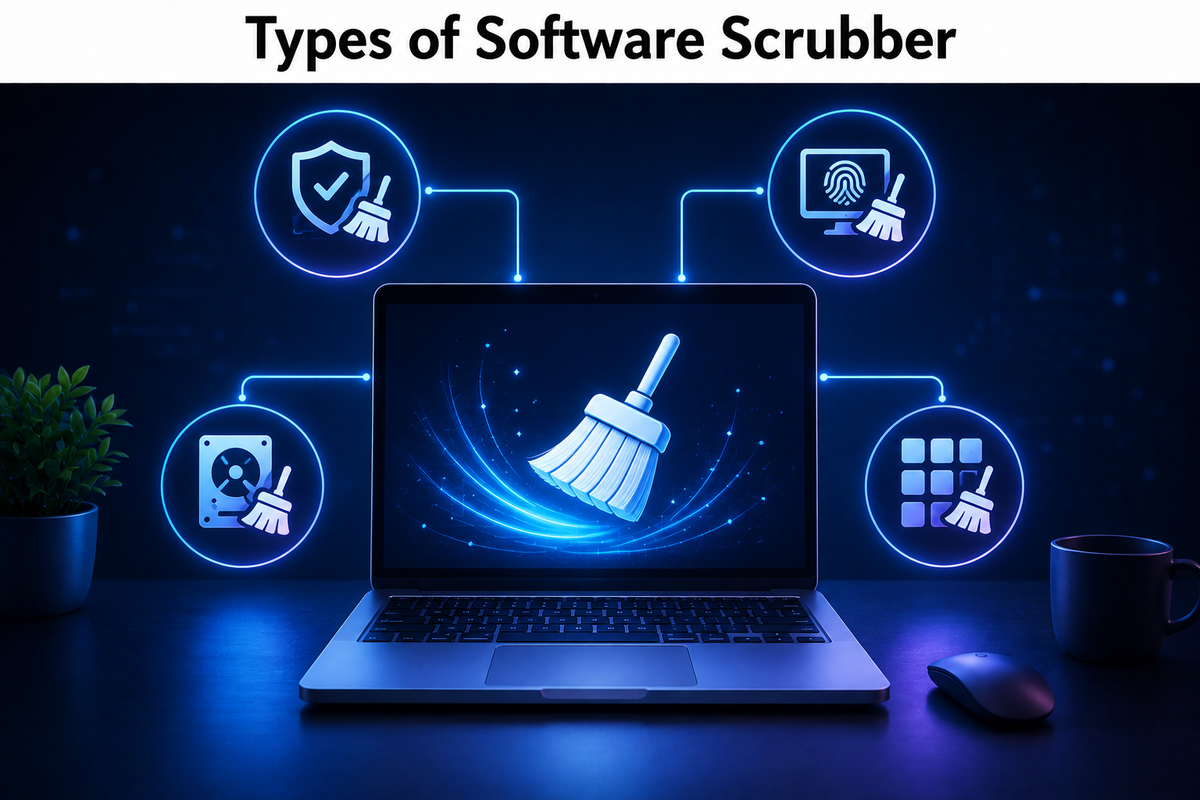
Different industries use different kinds of scrubbing tools depending on their needs. Understanding these categories makes it easier to pick the right solution for a specific task.
Storage Scrubber
A storage scrubber works at the disk or drive level, scanning hard drives, RAID arrays, or systems like ZFS for silent data corruption, sometimes called bit rot. It compares stored data against checksums and repairs damaged sections using backup copies stored within the same system.
Data Scrubber
This type focuses on databases and spreadsheets rather than physical storage. A data-focused software scrubber searches for duplicate entries, missing values, and inconsistent formatting, then cleans the dataset so that reports and analysis remain accurate and reliable.
PII and Privacy Scrubber
Privacy-focused scrubbers are designed to locate personal information such as names, phone numbers, or card details hidden inside documents, logs, or datasets. Once found, this software scrubber either removes or masks the information to protect user privacy and meet legal requirements.
Log Scrubber
Log files often contain sensitive details like passwords or access tokens by accident. A log scrubber automatically scans these files and strips out anything confidential before the logs are shared, stored long-term, or sent to external monitoring tools.
How Software Scrubber Works
Every software scrubber follows a similar general process, even though the details change depending on its purpose. Knowing this process makes the technology feel less mysterious and easier to trust.
Detection Process
The first stage involves scanning the target system using rules, patterns, or checksums to identify anything unusual.
This could mean comparing data against a known-good version or matching text against patterns that represent sensitive information. Detection accuracy determines how effective the entire scrubbing process will be.
Correction and Removal
After detection, the software scrubber decides whether to repair, mask, or delete the flagged item. Storage-based tools usually repair data using redundancy, while privacy tools often replace sensitive text with placeholder symbols. This step completes the cleaning cycle safely.
| Scrubber Type | Main Target | Typical Action |
| Storage Scrubber | Disks, RAID, ZFS | Repairs corrupted data |
| Data Scrubber | Databases, spreadsheets | Fixes duplicates and errors |
| PII Scrubber | Documents, datasets | Masks or removes personal data |
| Log Scrubber | System log files | Strips sensitive entries |
Key Benefits of Using Software Scrubber
Organizations invest in scrubbing tools because the advantages directly affect data quality, security, and overall system trust. The benefits below explain why this technology has become common across industries.
Better Data Accuracy
Clean and error-free data leads to more reliable reports, forecasts, and decisions. A software scrubber removes inconsistencies that would otherwise cause confusion or incorrect conclusions during analysis.
Improved Security
By automatically detecting sensitive information, a software scrubber reduces the risk of accidental data leaks. This is especially important for companies handling customer records or financial details.
Compliance Support
Many regulations such as GDPR or HIPAA require organizations to protect personal information carefully. Using a software scrubber helps businesses stay compliant by consistently removing or masking regulated data before it spreads further.
Common Challenges
No technology is completely perfect, and software scrubbers come with their own set of limitations that users should be aware of before full implementation.
Performance Impact
Running scans across large systems can slow down performance temporarily, especially during peak usage hours. Scheduling scrubbing tasks during low-traffic periods usually reduces this issue significantly.
False Detection
Sometimes a software scrubber may flag safe data as risky, or miss something that should have been caught. Regular rule updates and testing help minimize these detection errors over time.
How to Choose the Right Software Scrubber
Selecting the correct tool depends on several practical factors rather than just picking the most popular option available. Consider the following points before making a decision.
- Identify whether you need storage-level, data-level, or privacy-level scrubbing
- Check compatibility with your existing systems and file formats
- Review compliance certifications relevant to your industry
- Compare processing speed against your typical data volume
- Look for detailed logging and reporting features
- Consider long-term maintenance and update support
Software Scrubber vs Other Cleaning Approaches
It helps to see how a software scrubber compares against manual methods and general-purpose tools that people often consider as alternatives.
| Approach | Automation Level | Accuracy | Best For |
| Manual Cleaning | Low | Depends on effort | Small, one-time tasks |
| Antivirus Software | Medium | Focused on threats only | Malware protection |
| Software Scrubber | High | Consistent and rule-based | Ongoing data and privacy cleaning |
Manual cleaning depends entirely on human attention, which makes it slow and inconsistent for large systems.
Antivirus tools focus mainly on malicious threats rather than data quality or privacy. A software scrubber fills this gap by offering continuous, automated, and rule-based cleaning specifically built for data integrity and confidentiality.
FAQs
Is a software scrubber the same as deleting data?
Not exactly, since scrubbing often repairs or masks data rather than deleting it completely.
How often should scrubbing be performed?
Most systems benefit from scheduled scrubbing weekly or monthly, depending on data volume.
Can scrubbing cause data loss?
If configured incorrectly, aggressive scrubbing rules may remove more than intended, so careful setup is important.
Is a software scrubber necessary for small businesses?
Yes, even small businesses handling customer data benefit from basic privacy and data-quality scrubbing.
Conclusion
A software scrubber plays a quiet but essential role in keeping digital systems accurate, secure, and compliant. Whether it works on storage drives, databases, or sensitive documents, its core purpose remains the same:
finding problems automatically and resolving them before they cause bigger issues. Choosing the right type based on your specific needs ensures better data health and long-term peace of mind.
Related Articles
Student Software: A Complete Guide for Students
Best Customizable Worksheet AI Software: Complete 2026 Guide
Motion Graphics Software: A Complete Guide
Rhino 3D Software: A Complete Guide for Beginners and Professionals


