
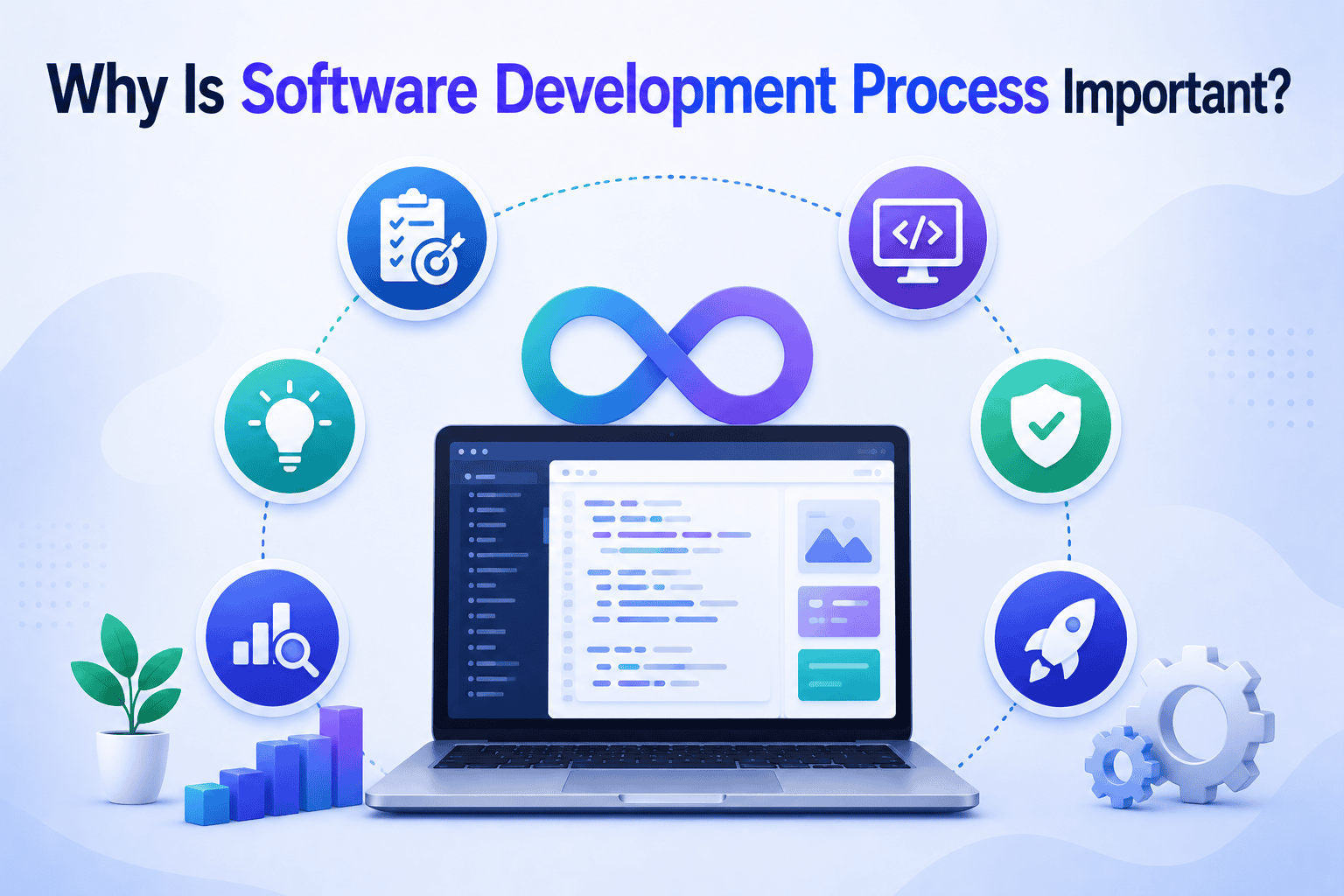
Why Is Software Development Process Important? A Complete Guide (2025)
June 29, 2026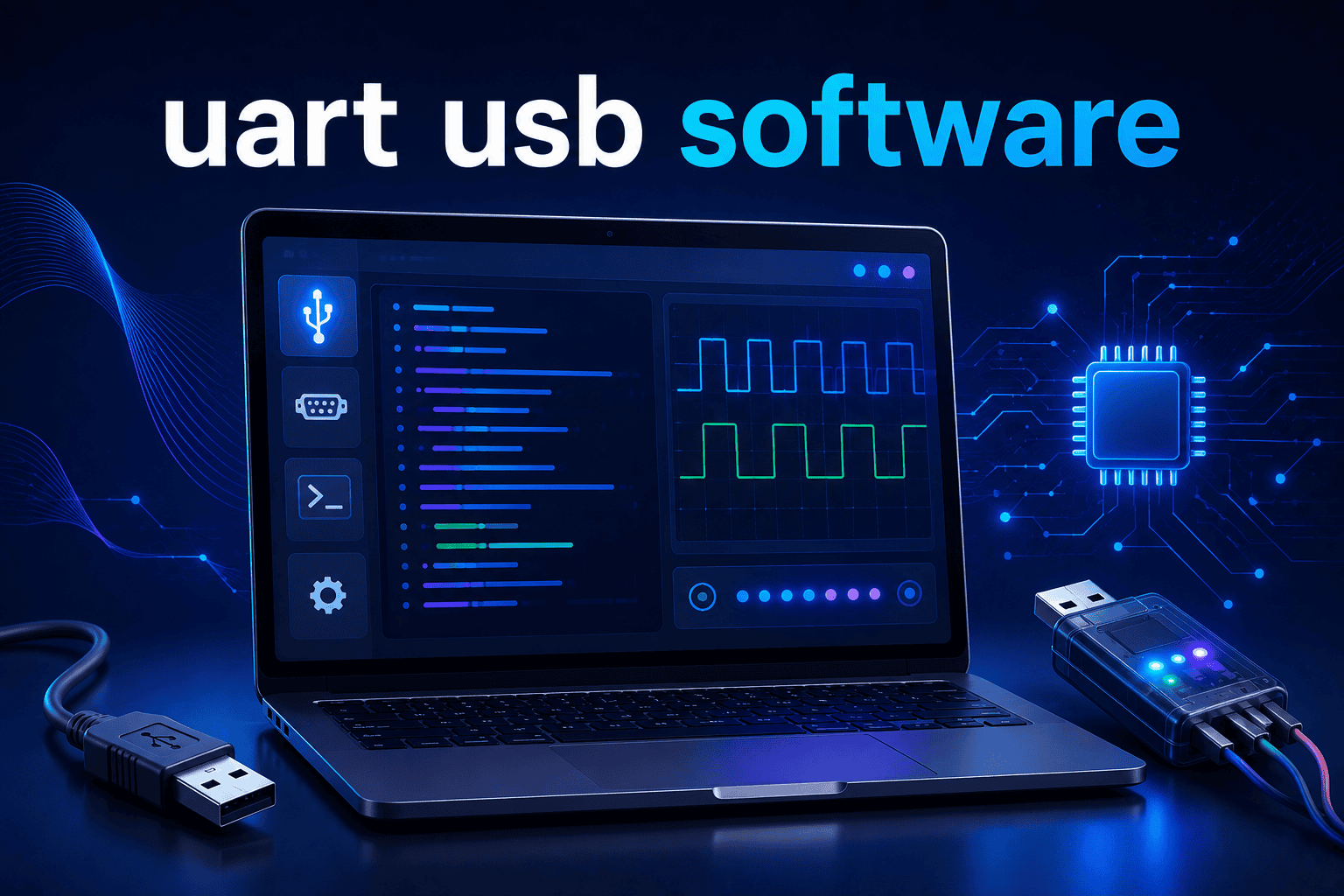
UART USB Software: The Complete Guide to Serial Communication Tools and Setup
June 29, 2026
Introduction to Kuta Software
Kuta Software is one of the most popular worksheet generators used by math teachers, tutors, and schools around the world. It helps educators create customized worksheets, quizzes, homework assignments, and tests within minutes, saving valuable preparation time while giving students unlimited practice opportunities.
Unlike traditional worksheet collections, Kuta Software generates random questions every time, making each worksheet unique. This flexibility allows teachers to provide different versions of the same assignment while keeping the difficulty level appropriate for their students.
What Is Kuta Software?
Kuta Software is a desktop-based educational program designed specifically for creating printable math worksheets and assessments. It offers separate applications for different math subjects, allowing teachers to generate professional-quality practice materials without manually writing questions.
The software is widely used in schools, tutoring centers, and homeschooling environments because it simplifies lesson preparation and provides answer keys automatically. Whether a teacher needs ten questions or one hundred, Kuta Software can create them in just a few clicks.
Overview of Kuta Software
The main purpose of Kuta Software is to help educators spend less time creating worksheets and more time teaching students. Every worksheet can be customized by choosing the question types, number of problems, formatting, and difficulty level.
Because every worksheet is generated automatically, students receive fresh practice material instead of solving the same questions repeatedly. This improves learning while reducing the chances of copying answers.
Who Developed Kuta Software?
Kuta Software was developed by Kuta Software LLC, an educational software company focused on mathematics teaching tools. The company has spent years improving its products based on teacher feedback and classroom requirements.
Today, thousands of schools and educators rely on Kuta Software because it combines simplicity with powerful worksheet-generation capabilities.
What Is Kuta Software Used For?
Kuta Software is mainly used for creating educational resources related to mathematics. Teachers use it for classroom assignments, homework, quizzes, revision exercises, practice exams, and printable tests.
Students also benefit because they receive unlimited practice questions covering different mathematical concepts. Tutors and homeschooling parents often use the software to create personalized worksheets that match each student’s learning pace.
How Kuta Software Works
Understanding how Kuta Software works is simple because the interface is designed for teachers rather than software experts. Users select a subject, choose a topic, customize the questions, and generate a worksheet within seconds.
Every worksheet is automatically formatted and includes an answer key, making grading much faster than preparing worksheets manually.
Creating Math Worksheets
Teachers begin by selecting the desired topic, such as linear equations, fractions, geometry, or calculus. The software then provides multiple question templates that can be customized according to classroom needs.
Once the settings are selected, Kuta Software instantly generates a printable worksheet that looks professional and organized.
Customizing Questions
One of the biggest strengths of Kuta Software is customization. Teachers can adjust the number of questions, difficulty level, positive or negative numbers, decimal values, variables, and many other options.
This flexibility ensures that worksheets are suitable for beginners, average learners, and advanced students alike.
Generating Unlimited Practice Problems
Unlike printed workbooks, Kuta Software creates new questions every time a worksheet is generated. Even if the same topic is selected repeatedly, the values change automatically.
This feature allows students to practice as much as necessary without repeating identical problems.
Printing and Exporting Worksheets
After generating a worksheet, users can print it directly or save it for future use. The software also creates a separate answer key, making classroom management much easier.
Teachers can maintain digital archives of worksheets and reuse them whenever needed.
Kuta Software Products
Kuta Software offers multiple products designed for different mathematics levels. Each application focuses on a specific subject, allowing teachers to choose only the software they require.
The product lineup covers everything from middle school mathematics to advanced calculus courses.
- Infinite Pre-Algebra
- Infinite Pre-Algebra focuses on essential math skills such as integers, fractions, decimals, ratios, percentages, and basic equations. It is ideal for middle school classrooms and students preparing for algebra.
- The worksheets gradually increase in difficulty, helping learners build confidence before moving to higher-level mathematics.
- Infinite Algebra 1
- Infinite Algebra 1 provides worksheet generators for equations, inequalities, graphing, exponents, functions, and word problems. Teachers can quickly create homework or classroom exercises for every lesson.
- Its large collection of question types makes it one of the most frequently used Kuta Software products.
- Infinite Geometry
- Infinite Geometry helps educators teach angles, triangles, circles, transformations, proofs, polygons, and coordinate geometry. The software automatically creates diagrams whenever necessary.
- Students receive well-structured geometry practice that matches classroom lessons.
- Infinite Algebra 2
- Infinite Algebra 2 expands upon Algebra 1 by covering logarithms, matrices, sequences, quadratic equations, complex numbers, and polynomial functions.
- Teachers appreciate the ability to generate unlimited practice for challenging mathematical concepts.
- Infinite Precalculus
- Infinite Precalculus focuses on advanced functions, trigonometry, vectors, polar coordinates, and analytical geometry.
- It prepares students for college-level mathematics while providing consistent practice opportunities.
- Infinite Calculus
- Infinite Calculus supports advanced topics including derivatives, limits, optimization, integration, differential equations, and applications of calculus.
- The software allows instructors to create comprehensive practice materials without spending hours writing questions manually.
- Kuta Works (Online Assignment Platform)
- Kuta Works extends traditional worksheet generation by providing an online learning platform where teachers can assign digital homework, monitor student progress, and review performance reports.
- Students complete assignments online, while teachers benefit from automatic grading and detailed analytics that identify learning gaps.
Main Features of Kuta Software
Kuta Software includes numerous features that simplify lesson planning while improving classroom efficiency. Instead of creating worksheets from scratch, teachers can focus on instruction and student support.
Some of the most valuable features include:
| Feature | Benefit |
| Unlimited worksheet generation | Creates fresh questions every time |
| Automatic answer keys | Saves grading time |
| Custom difficulty settings | Matches different student abilities |
| Professional formatting | Ready-to-print worksheets |
| Multiple worksheet versions | Reduces copying during exams |
| Topic-based generators | Covers numerous math concepts |
| Online assignments | Supports remote learning through Kuta Works |
Subjects Covered by Kuta Software
Kuta Software supports a wide range of mathematics subjects, making it useful throughout a student’s academic journey.
The software includes topics such as Grade 6 Math, Pre-Algebra, Algebra 1, Geometry, Algebra 2, Trigonometry, Precalculus, and Calculus. This broad coverage allows schools to continue using the same platform as students progress through higher grades.
Benefits of Using Kuta Software
Kuta Software provides advantages for teachers, students, tutors, and homeschooling families. Its automated worksheet generation reduces preparation time while improving learning quality.
Teachers appreciate faster lesson planning, students receive unlimited practice, and tutors can create personalized assignments that target specific weaknesses.
How to Install Kuta Software
Installing Kuta Software is straightforward. Users download the installer from the official website, run the setup file, and follow the installation instructions.
After installation, the software can be activated using a purchased license. Once activated, users gain access to all worksheet generation features available for their selected product.
How to Create Worksheets in Kuta Software
Creating worksheets requires only a few simple steps. Teachers select a subject, choose a topic, customize the questions, preview the worksheet, and print or save the final version.
The software automatically formats every page, ensuring that worksheets remain clean, readable, and professional.
Using Kuta Works for Online Learning
Kuta Works brings Kuta Software into digital classrooms by allowing teachers to assign online homework and monitor student progress remotely.
Automatic grading saves valuable time while detailed reports help identify topics that require additional classroom attention.
Kuta Software Pricing and Licensing
Kuta Software offers individual licenses for teachers as well as licensing options for schools and educational institutions. A free trial allows users to evaluate the software before making a purchase.
Schools often choose multi-user licenses because they provide better value for departments with several mathematics teachers.
Kuta Software Pros and Cons
| Pros | Cons |
| Easy to use | Mostly focused on mathematics |
| Unlimited worksheet generation | Desktop software requires installation |
| Automatic answer keys | Some advanced features require paid licenses |
| Highly customizable | Limited support for non-math subjects |
| Professional worksheet formatting | Online features depend on Kuta Works |
Kuta Software vs Other Math Worksheet Generators
| Feature | Kuta Software | DeltaMath | Math-Aids | IXL |
| Printable Worksheets | Yes | Limited | Yes | No |
| Unlimited Random Questions | Yes | Yes | Yes | Limited |
| Automatic Answer Keys | Yes | Yes | Yes | Yes |
| Online Learning | Kuta Works | Yes | No | Yes |
| Best For | Teachers | Schools | Parents | Students |
Common Problems and Troubleshooting
Most installation issues are resolved by downloading the latest version of the software and ensuring that the license key is entered correctly. Updating printer drivers can also solve worksheet printing problems.
If activation fails, users should verify their internet connection and contact official customer support for license verification assistance.
Best Practices for Using Kuta Software
Teachers should organize worksheets by topic, save frequently used templates, and gradually increase question difficulty throughout the school year. Regular updates also help maintain compatibility with newer operating systems.
Combining printable worksheets with online assignments through Kuta Works creates a balanced learning experience for both classroom and remote education.
Is Kuta Software Still Worth Using in 2026?
Yes, Kuta Software remains one of the best worksheet generators available for mathematics education in 2026. Its combination of customization, unlimited practice questions, professional formatting, and online learning support continues to make it a valuable tool for teachers and students alike.
As educational technology continues to evolve, Kuta Software remains relevant because it focuses on solving a practical classroom problem: creating high-quality math practice materials quickly and efficiently.
Frequently Asked Questions (FAQs)
Is Kuta Software free?
Kuta Software offers a free trial, but full access requires a paid license.
Can students use Kuta Software?
Yes. Students can use worksheets created by teachers and complete online assignments through Kuta Works.
Does Kuta Software work offline?
Yes. The desktop applications work offline after installation and activation.
Which subjects does Kuta Software support?
It primarily supports mathematics, including Pre-Algebra, Algebra, Geometry, Trigonometry, Precalculus, and Calculus.
Is Kuta Software suitable for homeschooling?
Yes. Many homeschooling parents use Kuta Software to create personalized math practice for their children.
Final Verdict
Kuta Software has earned its reputation as one of the leading math worksheet generators because it combines ease of use with powerful customization options. Teachers can create unlimited worksheets, quizzes, and tests while reducing preparation time and improving classroom productivity.
Whether you teach in a traditional classroom, tutor students privately, or manage a homeschooling program, Kuta Software offers practical tools that simplify lesson preparation and provide students with unlimited opportunities to strengthen their mathematical skills.
Related Articles
Why Is Software Development Process Important? A Complete Guide (2025)
Why Updating Immorpos35.3 Software Is Important: A Complete 2025 Guide
Review, Features, Pricing & Verdict (2026)
Why Use Uhoebeans Software in Business? 7 Proven Benefits (2026 Guide)
Outbound Dialing Software Benefits: A Complete Guide for Modern Businesses


